
Codes
My Zombie Zoo codes as of mid-November 2026: still no verified public codes. Avoid Hunty Zombie fakes and follow in-game redeem prep tips.
View all CodesRoblox codes, scripts, zombie tier lists, and hatch guides.
Unofficial My Zombie Zoo Roblox wiki for codes, scripts, zombie tiers, egg hatching, fuse tips, and enclosure upgrades for faster progress.
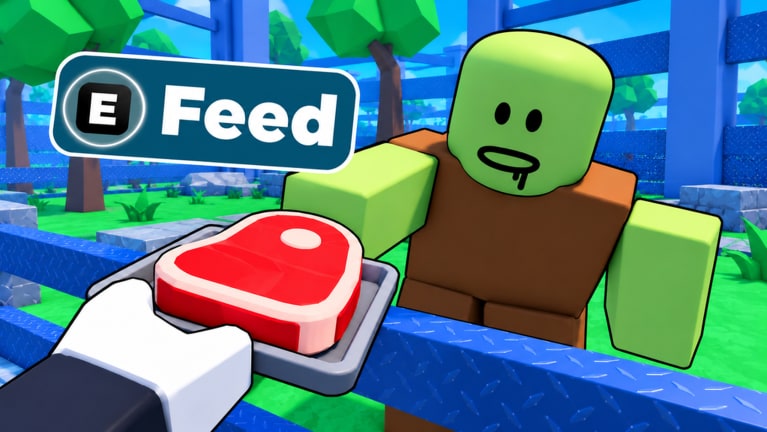
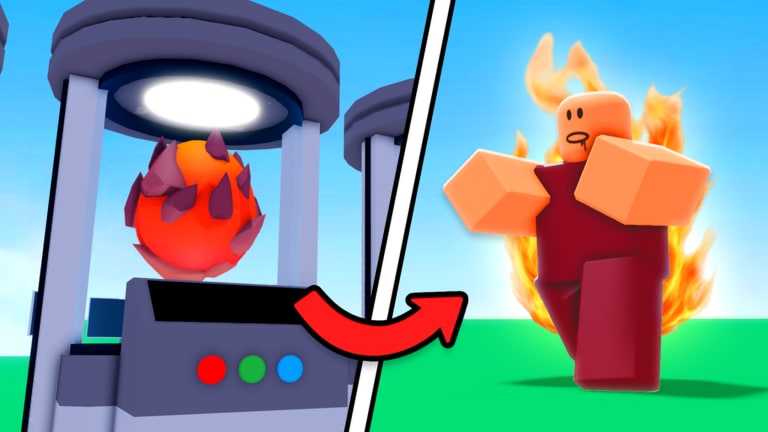
My Zombie Zoo is a Roblox simulation tycoon from Hungry Brain where you pull levers for eggs, hatch rare zombies, customize enclosures, and earn cash for upgrades. Start with the beginner guide, claim codes when they drop, compare the zombie tier list, and review working scripts if you automate the grind.
My Zombie Zoo codes as of mid-November 2026: still no verified public codes. Avoid Hunty Zombie fakes and follow in-game redeem prep tips.
View all CodesMy Zombie Zoo Roblox guides for hatching eggs, feeding zombies, egg rain, fusing undead, earning cash fast, and zoo enclosure layouts.
View all GuidesMy Zombie Zoo tier lists for zombies and eggs: Common to Mythic priorities for income, fuse value, and progression.
View all Tier ListMy Zombie Zoo players hub covering controls, session roles, enclosure habits, and quick links to guides, scripts, codes, and tiers.
View all PlayersMy Zombie Zoo updates hub: September 2026 launch, November 2026 checkpoint (~2.1M visits), scripts caution, and post-update checklists.
View all UpdatesMy Zombie Zoo scripts hub with a working auto farm loadstring, fourteen feature toggles, executor tips, and clear Roblox ToS risks.
View all ScriptsUnofficial My Zombie Zoo wiki with place ID, Hungry Brain credits, the core egg-to-enclosure loop, and links out to every major hub.
View all LinksOpen the experience on Roblox, claim your plot, and learn the lever-to-egg loop in the first minutes.
Incubate eggs, place undead in enclosures, then feed them so cash starts stacking. Follow the Getting Started checklist.
Redeem any live codes, then use the zombie tier list so upgrades target earners that matter.
Spend cash on enclosure upgrades and fuse duplicates into stronger zombies. See How to Fuse and earn money fast.
If you use executors, review scripts features and risks before pasting any loadstring.
Quick answers for My Zombie Zoo players.
A Roblox simulation tycoon by Hungry Brain where you pull levers for eggs, hatch rare zombies, customize enclosures, and earn money for upgrades.
Read the Getting Started guide, then learn how to hatch eggs and how to earn money.
We track codes continuously. As of the latest check there are no verified public promo codes — redeem new ones the moment Hungry Brain posts them.
Open the zombie tier list for income and fuse priority rankings, and compare egg value on the eggs tier list.
This wiki supports: English, Français, Deutsch, Español, Português (BR). Configure locales in site.meta.json and run npm run generate:i18n.
Yes. The scripts hub and auto farm guide list common automation features. Using third-party executors can risk your Roblox account.
No. This is an unofficial fan resource. Confirm announcements on the [Roblox game page](https://www.roblox.com/games/112520004217275/My-Zombie-Zoo) and the Hungry Brain group.
From first egg to fused legends, our guides cover hatching, feeding, enclosures, and money loops. Start with the beginner guide or jump into codes and the zombie tier list.
Start with the beginner guide